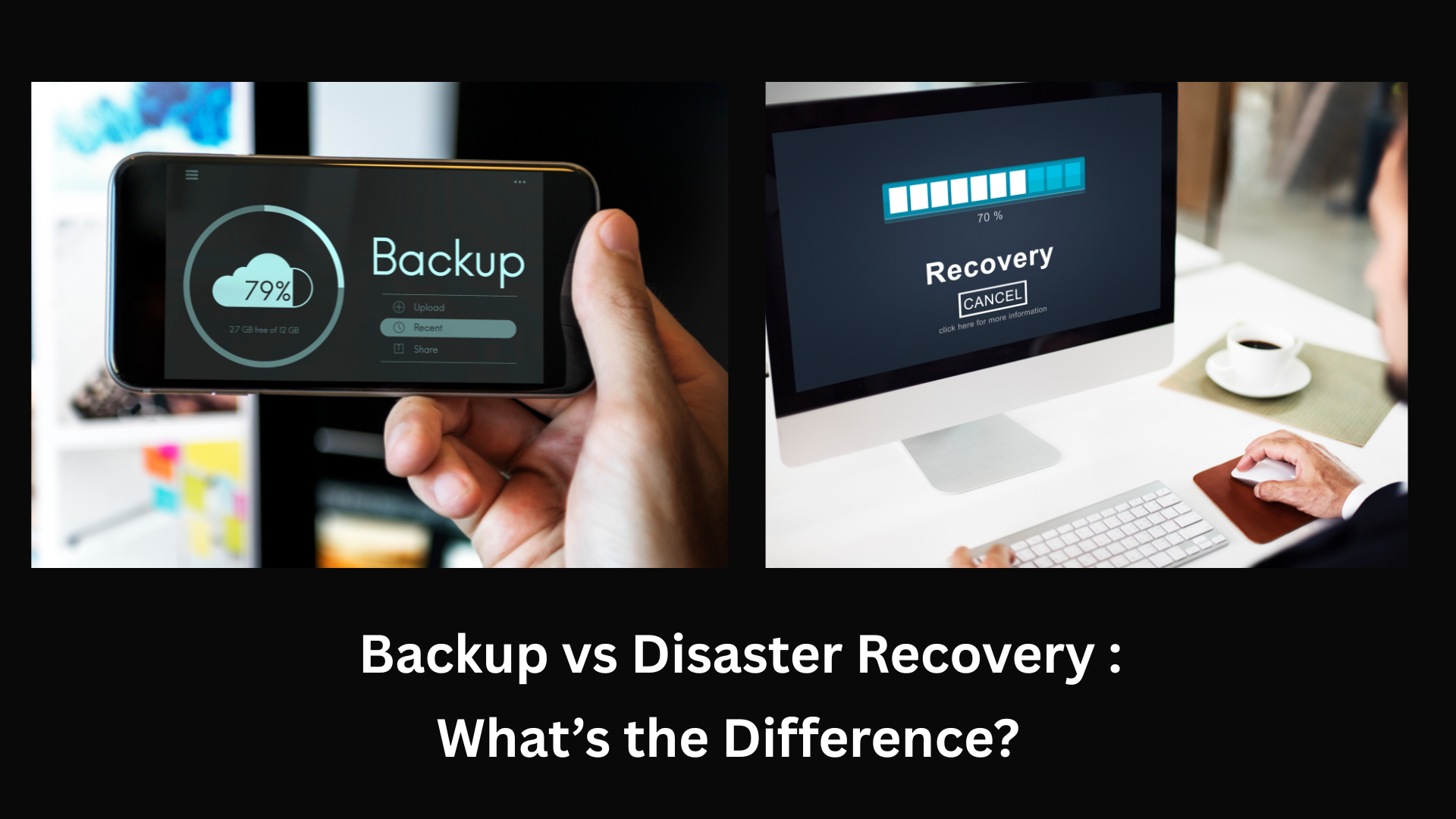
Backup vs Disaster Recovery: What’s the Difference?
Poindexters Lab
December 19, 2025
Disaster Recovery & Business Continuity
When it comes to protecting business data, many small and medium-sized businesses (SMBs) use the terms backup and disaster recovery interchangeably. While they are closely related, they are not the same—and misunderstanding the difference can put your business at serious risk.
This blog explains what backup and disaster recovery are, how they differ, and why your business needs both, not just one.
What is Data Backup?
A backup is a copy of your data that is stored separately from the original source. Backups are designed to protect data from:
Accidental deletion
Hardware failure
Corrupted files
Ransomware attacks
Human error
Common Backup Types
Cloud backups
On-premise backups
Hybrid backups
Incremental or full backups
What Backup Does Well
✔ Protects files and data ✔ Allows recovery of lost information ✔ Acts as a safety net against data loss
Limitations of Backup
✖ Does not restore full systems ✖ Can take hours or days to recover ✖ Does not guarantee business continuity
Backups protect data, not operations.
What Is Disaster Recovery (DR)?
Disaster Recovery is a broader strategy that focuses on restoring entire IT systems and business operations after a major incident such as:
Cyberattacks or ransomware
Server failure
Power outages
Natural disasters
Data center outages
Cloud service disruptions
Disaster recovery includes:
Backups
System replication
Failover environments
Recovery testing
Business continuity planning
What Disaster Recovery Does Well
✔ Restores servers, applications, and networks ✔ Minimizes downtime ✔ Keeps businesses operational during crises
Backup vs Disaster Recovery: Key Differences
Feature
Backup
Disaster Recovery
Purpose
Protects data
Restores business operations
Scope
Files & databases
Entire systems & infrastructure
Recovery Time
Hours or days
Minutes or hours
Downtime Reduction
Limited
High
Business Continuity
No
Yes
Cost
Lower
Higher but strategic
Why Backup Alone Is Not Enough
Many SMBs believe having backups means they’re protected—but that’s only part of the picture.
Imagine this scenario:
Your server is hit by ransomware
You have backups
Restoring data takes 24–48 hours
Your business is down the entire time
Lost productivity, missed sales, and customer dissatisfaction can cost far more than the attack itself.
Disaster recovery ensures minimal disruption, not just data restoration.
Why Disaster Recovery Without Backup Doesn’t Work
Disaster recovery relies heavily on backups as its foundation. Without reliable, clean backups:
Recovery points may be corrupted
Data loss becomes permanent
Recovery plans fail
Backup and disaster recovery must work together.
What SMBs Actually Need: Backup + Disaster Recovery
A strong data protection strategy includes:
✔ Automated Backups
Daily or hourly backups
Encrypted storage
Off-site or cloud-based
✔ Disaster Recovery Planning
Defined recovery time objectives (RTO)
Defined recovery point objectives (RPO)
Failover systems
Tested recovery procedures
✔ Business Continuity Strategy
Clear communication plans
Role assignments during incidents
Regular testing and updates
How Managed IT Services Help
Managed Service Providers (MSPs) help SMBs by:
Designing backup & DR strategies
Monitoring backup health
Testing disaster recovery plans
Ensuring compliance requirements
Providing rapid recovery support
This allows businesses to focus on growth while staying protected.
Final Thoughts
Backup and disaster recovery are not competitors—they are partners.
Backups protect your data
Disaster recovery protects your business
For SMBs, relying on backups alone is risky. A complete strategy ensures your business can survive unexpected disruptions, cyberattacks, and system failures.